
Perceive and understand screens
The agent captures the screen, extracts UI tree nodes, text, coordinates, and visual elements — then reasons about what's visible and what to do next.
 OpenFlap
Web2 & Web3 AI Mobile Agent
No root required. OpenFlap lets AI understand your intent and operate your Android phone: automate the OS, installed apps, and cross-app workflows across both Web2 and Web3.
Agent Core Capabilities
OpenFlap's agent loops through perception → planning → execution: it reads the screen, decides which tools to call, runs them, observes results, and keeps going until the task is done.
The agent captures the screen, extracts UI tree nodes, text, coordinates, and visual elements — then reasons about what's visible and what to do next.
A three-tier router routes tasks: direct tool calls for deterministic actions, predefined skills for known flows, or the full agent loop for open-ended autonomy with up to N iterations.
Tap, swipe, input text, open apps, send messages, read clipboard — plus DeBank portfolio, Uniswap swap, Aave lending, Across bridge, Revoke.cash security, and more.
Web3 Skill Catalog
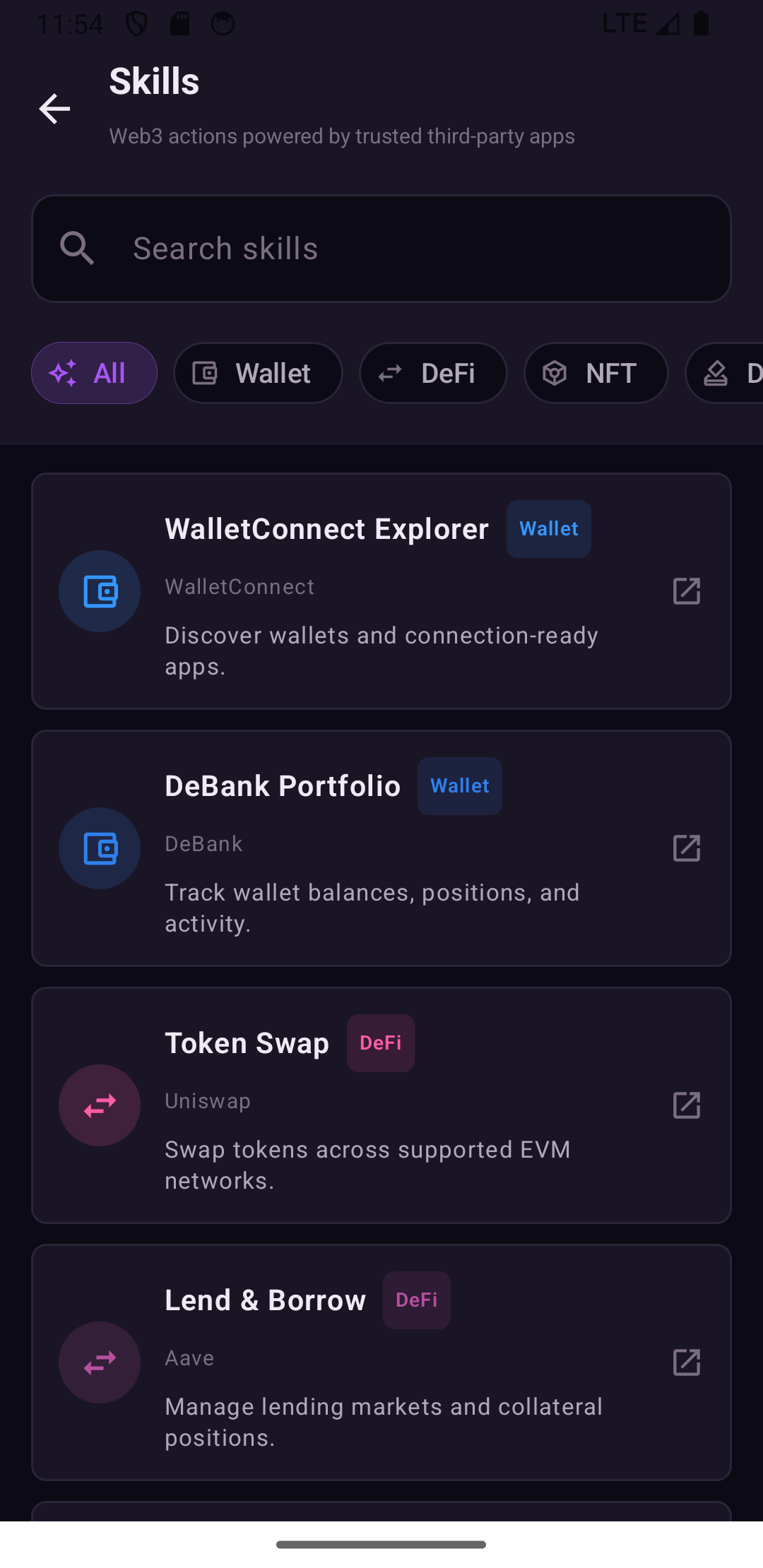
The built-in catalog mirrors the app's real Web3 skill system and can expand with more protocols, networks, and trusted tools.
Discover WalletConnect-ready wallets and apps before entering a wallet connection flow.
Review wallet balances, portfolio positions, chain activity, and asset overview pages.
Open Uniswap swap flows while leaving final transaction review and confirmation to the user.
Enter Aave lending markets to inspect supply, borrow, collateral, and rate information.
Open Lido's ETH staking interface and review liquid staking positions.
Browse NFT collections, market activity, profiles, and NFT detail pages.
Search, register, and manage Ethereum Name Service domains.
Open Snapshot spaces to review DAO proposals, voting status, and governance context.
Look up addresses, transaction hashes, contracts, tokens, and block explorer pages.
Compare protocols, chains, TVL, yields, stablecoins, and DeFi market data.
Search public on-chain dashboards, SQL queries, and community analytics datasets.
Open Across bridge flows for cross-chain transfers across major EVM networks.
Inspect token approvals and enter the safety workflow for revoking risky allowances.
How It Works
OpenFlap turns vague mobile intent into concrete app navigation, tool calls, and user-checkable checkpoints.
Parse requests such as checking assets, bridging, revoking approvals, voting in DAOs, sending messages, or searching inside apps.
Route the task to generic phone tools or Web3 skills such as DeBank, Across, Revoke.cash, Etherscan, and more.
The AI can prepare the screen, but final wallet connections, approvals, signatures, and transactions stay visible and user-confirmed.
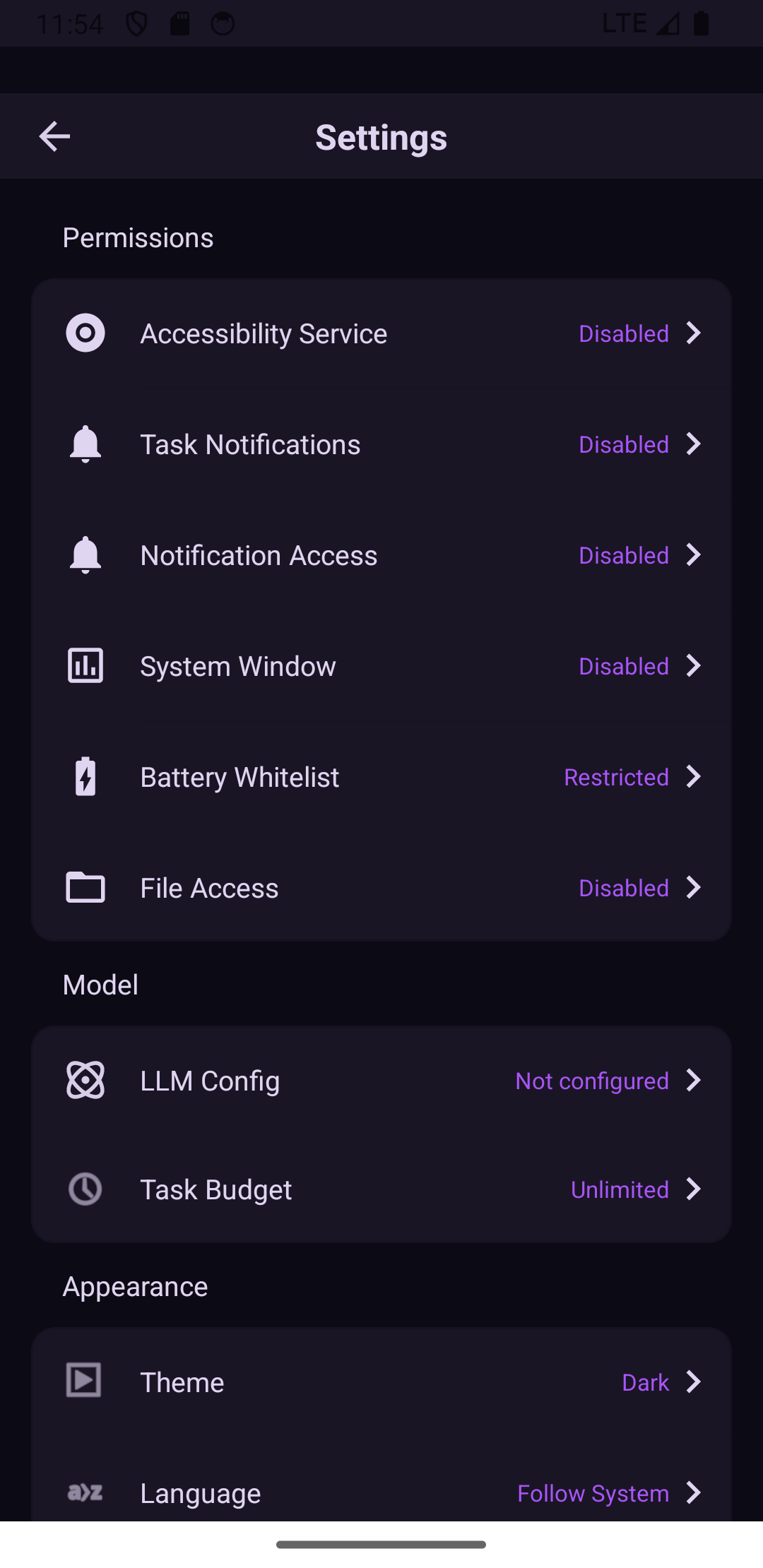
Real App Screens
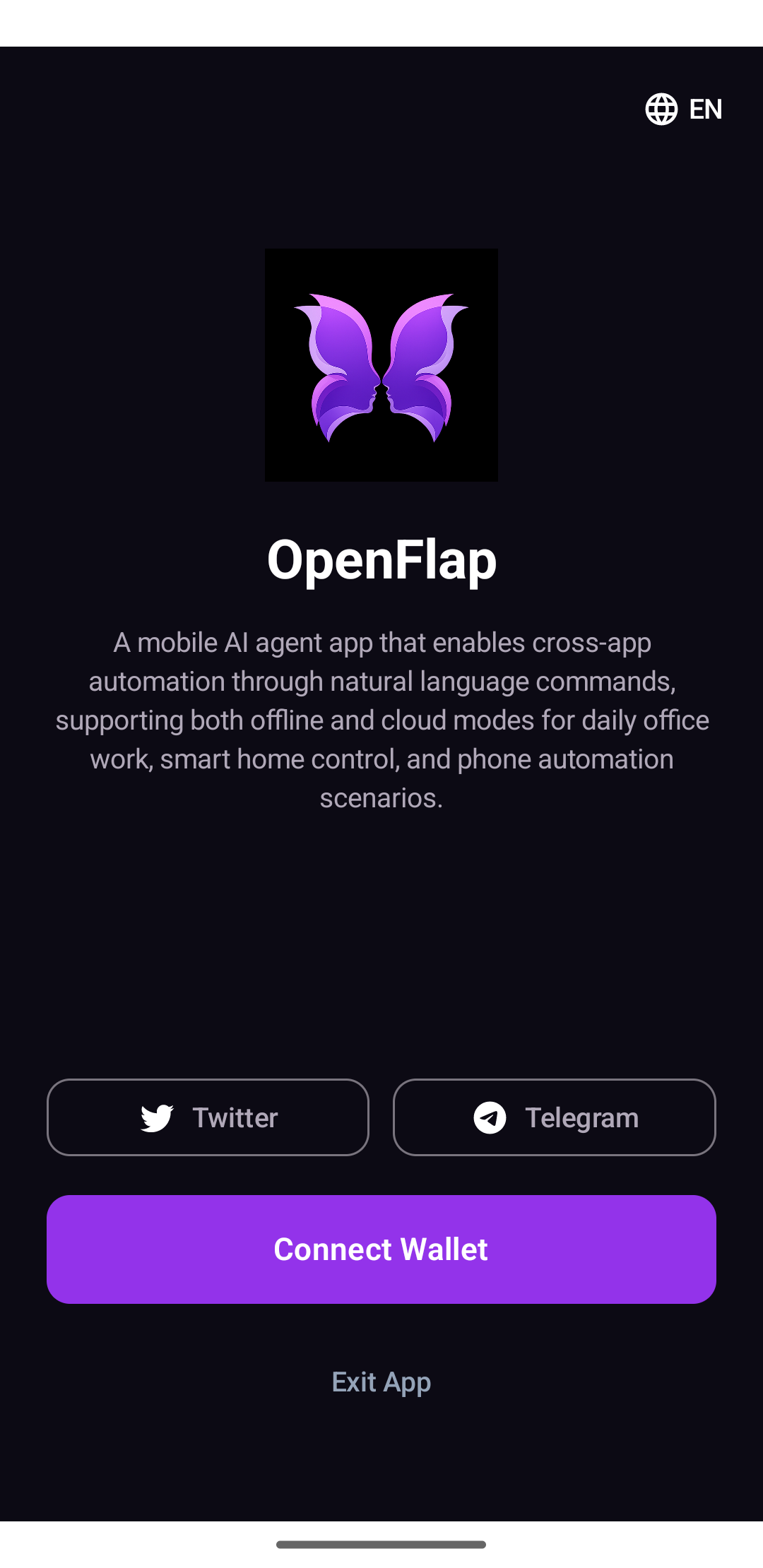
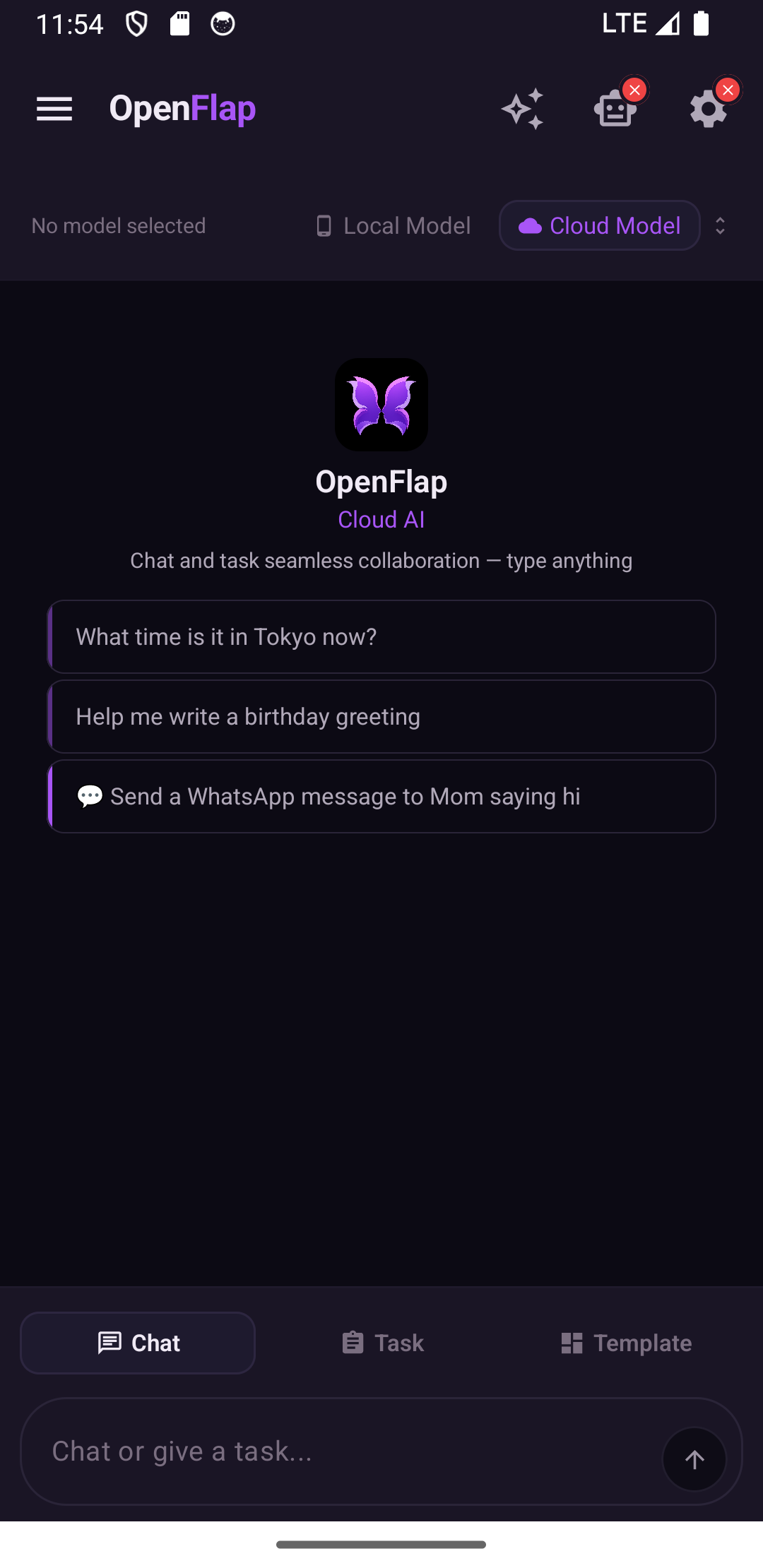
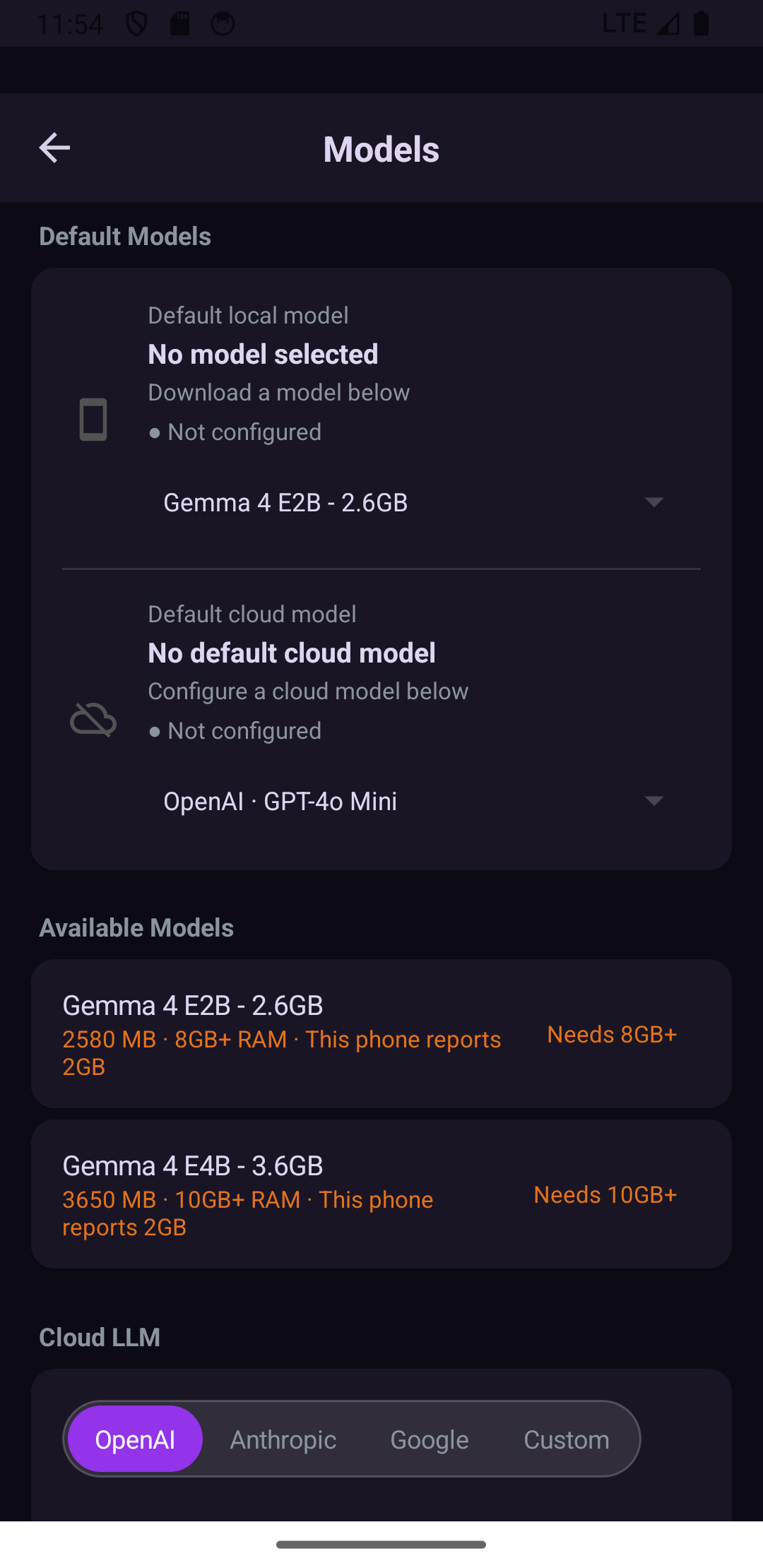
These screenshots were captured from OpenFlap running in the local Android emulator and are stored under `html/image/` for the landing page.
Get OpenFlap
Download, community, and repository buttons are placeholders for now and can later point to Release, Twitter, Telegram, and GitHub URLs.